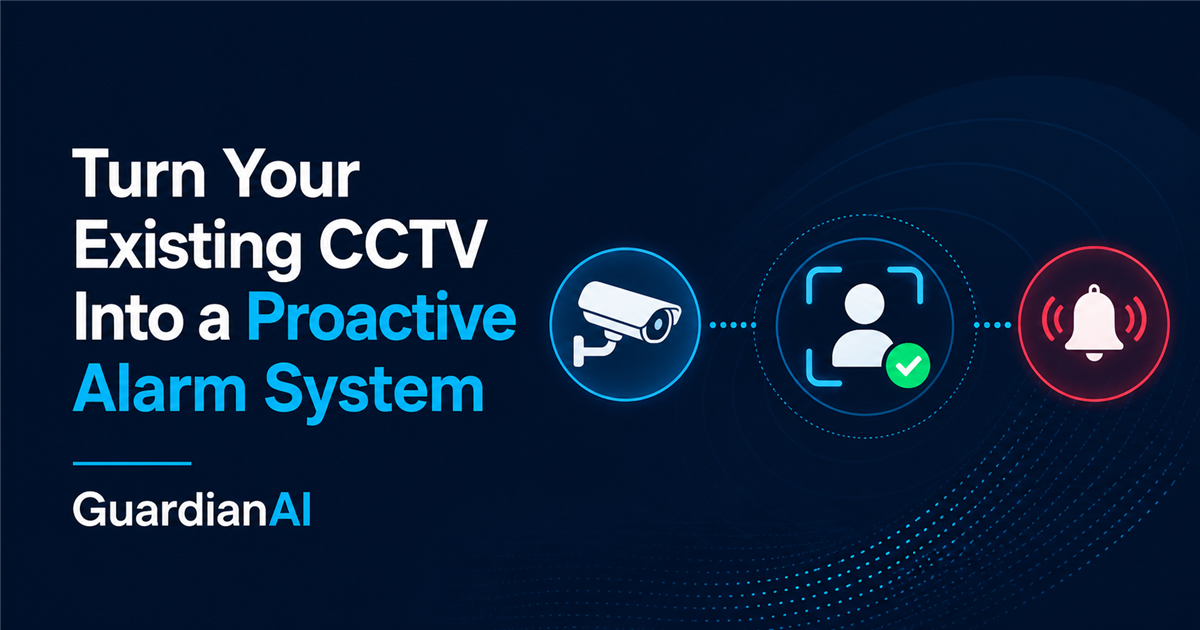
Turn Your Existing CCTV Into a Proactive Alarm System
GuardianAI detects people on your existing CCTV and sends a photo alert when someone enters a protected area. No new cameras required when your system is compatible.
Free to register • Compatibility checked first • No successful installation, no setup fee.
Production proven
Real-world operation
South African
security-company use
Remote
installation
No long-term
contract
How it works
From CCTV activity to an alert you can act on
Your cameras keep doing their job. GuardianAI adds the proactive layer.
CCTV detects activity
Your existing CCTV captures a motion-triggered image.
GuardianAI detects a person
Events without a detected person are filtered.
Photo alert arrives
A marked image is sent to your private Telegram group.
View & respond
See what triggered the alert and take the appropriate action.
Monitoring controls
Control Your CCTV Like an Alarm System
GuardianAI doesn't just detect people. You control when monitoring is active, just like an alarm system.
What each control does
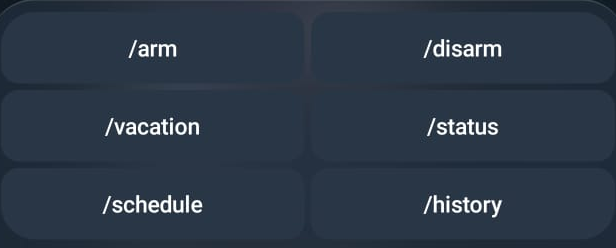
/armArm
Start GuardianAI monitoring now.
/disarmDisarm
Pause GuardianAI monitoring. Your CCTV continues recording as normal.
/scheduleSchedule
View the configured weekly schedule when schedule mode is active.
/vacationVacation mode
Keep GuardianAI armed 24/7 until you exit Vacation Mode.
When automatic schedule mode is active, /schedule shows the current weekly schedule; it does not edit it.
Useful alerts from the CCTV you own
Fewer distractions. More useful alerts.
No detection system eliminates every false alert. GuardianAI filters the vast majority of motion events that do not contain a person, helping you focus on alerts worth checking.
- Keep your compatible CCTV cameras and recorder
- Receive a marked photo showing the detected person
- Control monitoring from your private Telegram group
- Continue using your existing local recording as normal
Compatibility checked first
Remote setup. Keep your cameras.
We check your CCTV system for compatibility and configure GuardianAI remotely. Most installations take between 10 minutes and 2 hours.
Remote installation
Only after successful installation
Free to register • Compatibility checked first • No successful installation, no setup fee.
Own or run a security company?
Common questions
Common questions about GuardianAI
Do I need to replace my existing CCTV cameras?+
Your CCTV system must be able to send an event image when motion occurs. GuardianAI works with many compatible existing CCTV systems, so new cameras are often not required. We confirm compatibility before installation. Some compatible systems send these images using FTP or email (SMTP), but you do not need to configure this yourself.
How do I know whether my CCTV is compatible?+
Tell us about your recorder or cameras during onboarding and we will review the system before installation. Compatibility depends on event-image support, not brand or camera age alone.
How are alerts sent?+
When GuardianAI identifies a person, it sends a photo alert to a private Telegram group. You can include family members, staff, or your security company in the same group.
Does GuardianAI eliminate false alarms?+
No detection system eliminates every false alert. GuardianAI filters the vast majority of motion events that do not contain a person, helping you focus on alerts that are worth checking.
How much does GuardianAI cost?+
Direct customers pay R40 per camera per month, plus R499 setup only after successful installation. Monthly monitoring starts on the first day of the month following your completed installation. There is no long-term contract.
How long does installation take?+
We check your CCTV system for compatibility and configure GuardianAI remotely. Most installations take between 10 minutes and 2 hours.
What happens after I register?+
Verify your email, sign in, enter your site and camera details, and choose a preferred remote installation date. We confirm compatibility before installation, and the R499 setup fee is charged only after a successful installation.
What happens if my internet goes down?+
Your CCTV can continue recording locally as normal, but GuardianAI needs internet connectivity to receive event images and deliver alerts. Monitoring resumes when the connection is restored.
What happens to event images?+
Routine event files are deleted after processing. Detected-event images are delivered as photo alerts, and the latest alert image may be held temporarily for secure operational viewing. GuardianAI does not maintain a CCTV footage archive.
Turn Your Existing CCTV Into a Proactive Alarm System.
R40 per camera per month, with R499 setup only after successful installation.